



Why Your MacBook Setup Still Feels Cluttered in 2026 — And How the Right USB-C Hub Fixes It

- What Users Truly Need
- Why Do Basic USB-C Adapters Often Underperform?
- A Superior Solution for Multi-Device Workspaces
- Why Dockteck Stands Out
- Conclusion
This year, many people upgraded to new laptops, expecting a tidier workspace and fewer connectivity issues. However, the reality proved far less glamorous. With one USB-C port occupied by charging and another connected to an external monitor, users suddenly found themselves with nowhere left to plug in a storage drive, an SD card, or a wired network cable.
What Users Truly Need
Today, the challenge is no longer simply a matter of “adding a few extra ports.” Users need:
- A stable network connection during Zoom video conferences
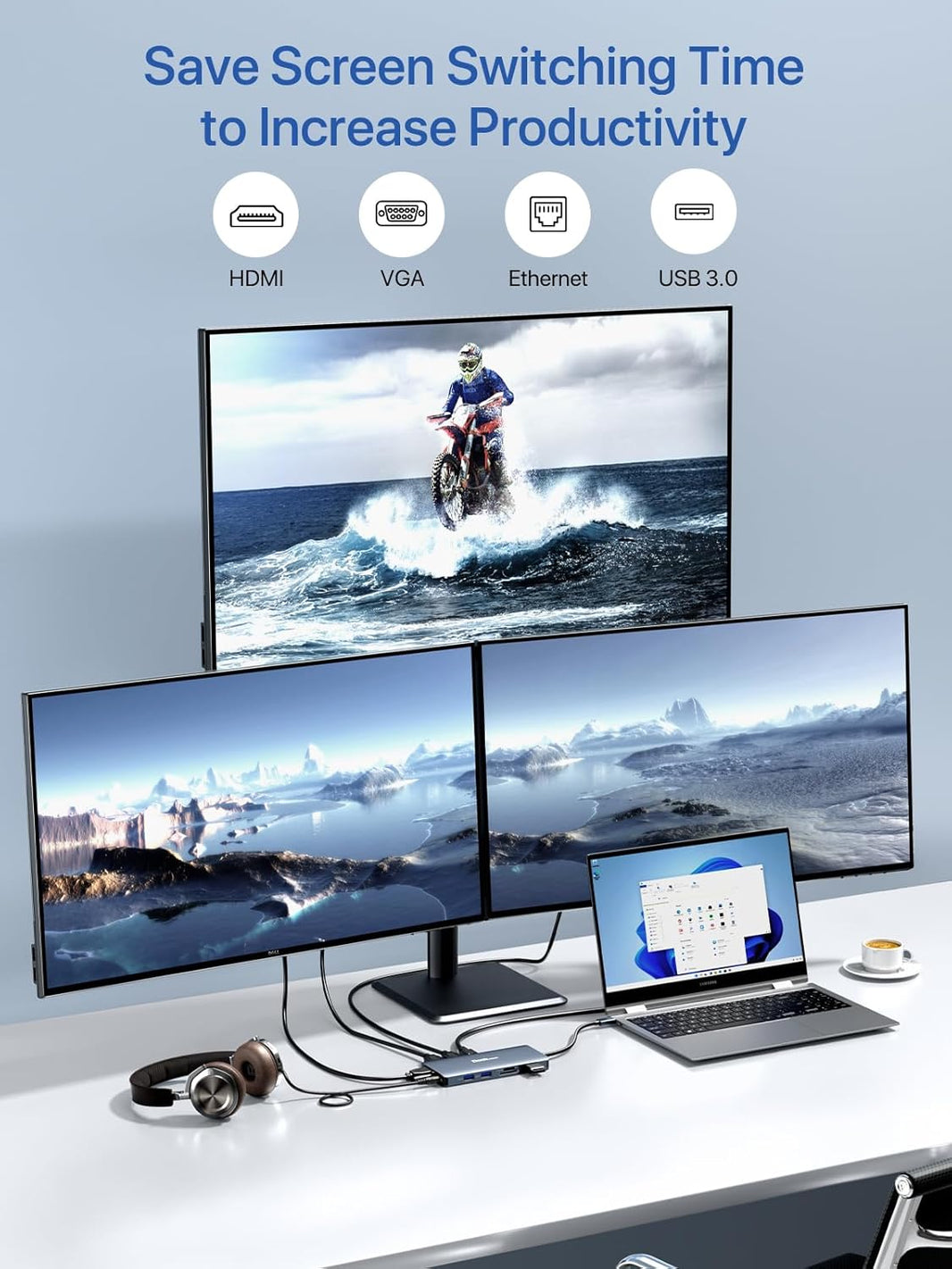
- Reliable 4K video output to a monitor
- Sufficient charging power to keep devices such as the Apple MacBook Air M4, MacBook Pro M4, and iPad Pro M4 continuously powered without frequent switching or multiple adapters
Why Do Basic USB-C Adapters Often Underperform?
Unstable Display Output When connecting a 4K monitor via an inexpensive hub, users frequently encounter screen flicker, refresh rates capped at 30Hz, or abrupt connection dropouts—often in the middle of a presentation. In most cases, this stems from the adapter’s lack of robust support for DisplayPort Alternate Mode (DP Alt Mode) or insufficient bandwidth in its HDMI interface.
Many MacBook users specifically search for “how to achieve 4K 60Hz output via a MacBook USB-C hub,” highlighting a persistent pain point: reliably supporting external monitors at high refresh rates.
Inadequate Charging Under Heavy Loads Another frequently overlooked issue is insufficient power delivery during pass-through charging. While some compact hubs claim to support fast charging, the actual output often becomes unstable when an external hard drive or monitor is connected simultaneously. During high-load tasks such as video conferencing or photo editing, the device’s battery may continue to drain rather than charge.
Home Wi-Fi Signal Congestion As smart home devices become increasingly ubiquitous, wireless signal interference has grown more pronounced. For users who frequently transfer large files or join lengthy video conferences, a wired Ethernet connection remains far more stable and reliable than Wi-Fi.
A Superior Solution for Multi-Device Workspaces
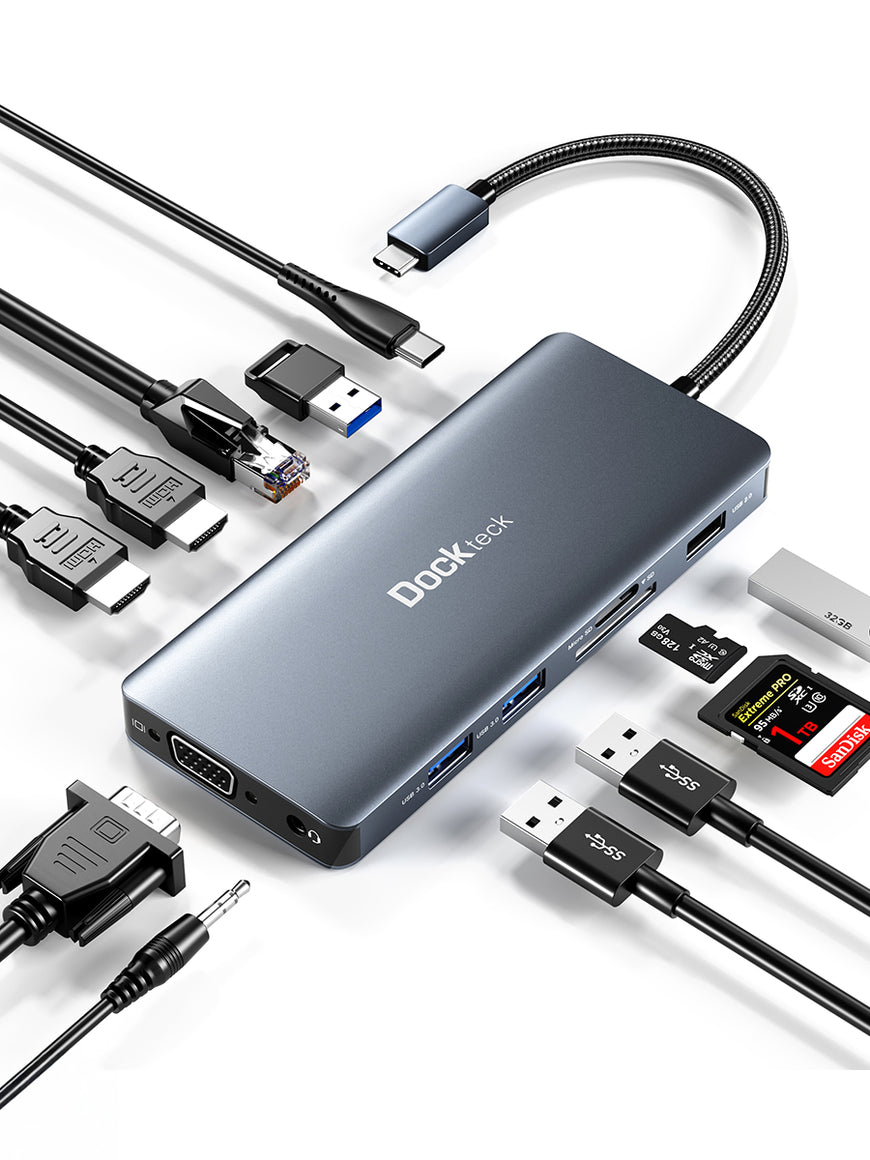
Rather than carrying a jumble of individual adapters for HDMI, charging, memory card reading, or Ethernet, many users now prefer a compact all-in-one hub. The Dockteck 7-in-1 USB C PD Ethernet Hub consolidates multiple functions into a single device.
It integrates:
- 4K@60Hz HDMI video output
- 100W Power Delivery (PD) fast charging
- Gigabit Ethernet port
- Dual USB 3.0 ports
- SD/TF card reader
For professionals using cameras or drones, the ability to read both SD and TF cards simultaneously is a thoughtful feature. The hub also addresses the limited ports on modern ultra-thin laptops, including the Steam Deck OLED, Microsoft Surface Pro 11, and recent MacBooks.
Why Dockteck Stands Out
Unlike many entry-level hubs in the same price range, the Dockteck features:
- An integrated Gigabit Ethernet port with LED connection indicator
- Effective 92W charging output
- Stable 5Gbps USB data transfer speeds
- Lightweight non-aluminum polycarbonate casing for portability
For photographers and video editors, the hub enables simultaneous media transfer via SD and TF card slots, MacBook powering, and 4K video output—reducing desktop cable clutter. It is particularly well-suited for hybrid work environments where portability and performance are equally critical.
Conclusion
The best USB-C hub isn’t necessarily the one with the most ports. A truly excellent hub resolves actual daily pain points without introducing new complications. From unstable external monitor signals and unreliable charging to intermittent Wi-Fi connections, modern laptop users face issues that can quickly disrupt workflow.
Dockteck adopts a balanced design philosophy that focuses on practical connectivity features. For those seeking a cleaner, more reliable workstation in 2026, the Dockteck 7-in-1 USB C PD Ethernet Hub is a practical upgrade that meets the demands of both mobile travel and desktop office environments.