



Why Is My USB-C to HDMI Adapter Not Working? Common Display Problems and What Actually Fixes Them

- Problem 1: Your USB-C Port Doesn't Support Video Output
- Problem 2: Performance Varies Between Monitors
- Problem 3: You Need a Plug-and-Play-Product
- Why It Works with Today's Devices
- Conclusion
You bring your laptop to a meeting, connect it to a projector, and the screen is blank. Or your new tablet displays perfectly on one monitor but fails on another. With more and more laptops, tablets, and smartphones adopting USB-C ports, these kinds of problems are becoming increasingly common. Frustratingly, although the ports look the same across different devices, not all USB-C ports support video output.
If you've ever searched for "Why isn't my USB-C to HDMI adapter working?", you're not alone. This remains one of the most common display problems, as several factors can cause the same black screen.
Problem 1: Your USB-C Port Doesn't Support Video Output
Many users first overlook the functional differences in USB-C ports.
USB-C ports may only support charging and data transfer, and not DisplayPort Alt Mode or Thunderbolt video output protocols. In this case, even with a high-quality adapter, you won't be able to output a video signal to an external monitor.
Before purchasing any accessories, always make sure your laptop, tablet, or phone's USB-C port supports DisplayPort Alt Mode or Thunderbolt protocols for video output. This is especially crucial for newer devices, including many Windows Ultrabooks, tablets, and flagship smartphones.
When choosing a USB-C to HDMI/VGA adapter, compatibility should always be the primary consideration, not price.
Problem 2: Performance Varies Between Monitors
Many meeting rooms still use older VGA projectors, while modern offices have upgraded to 4K HDMI monitors. Carrying separate adapters for each scenario quickly becomes extremely inconvenient.
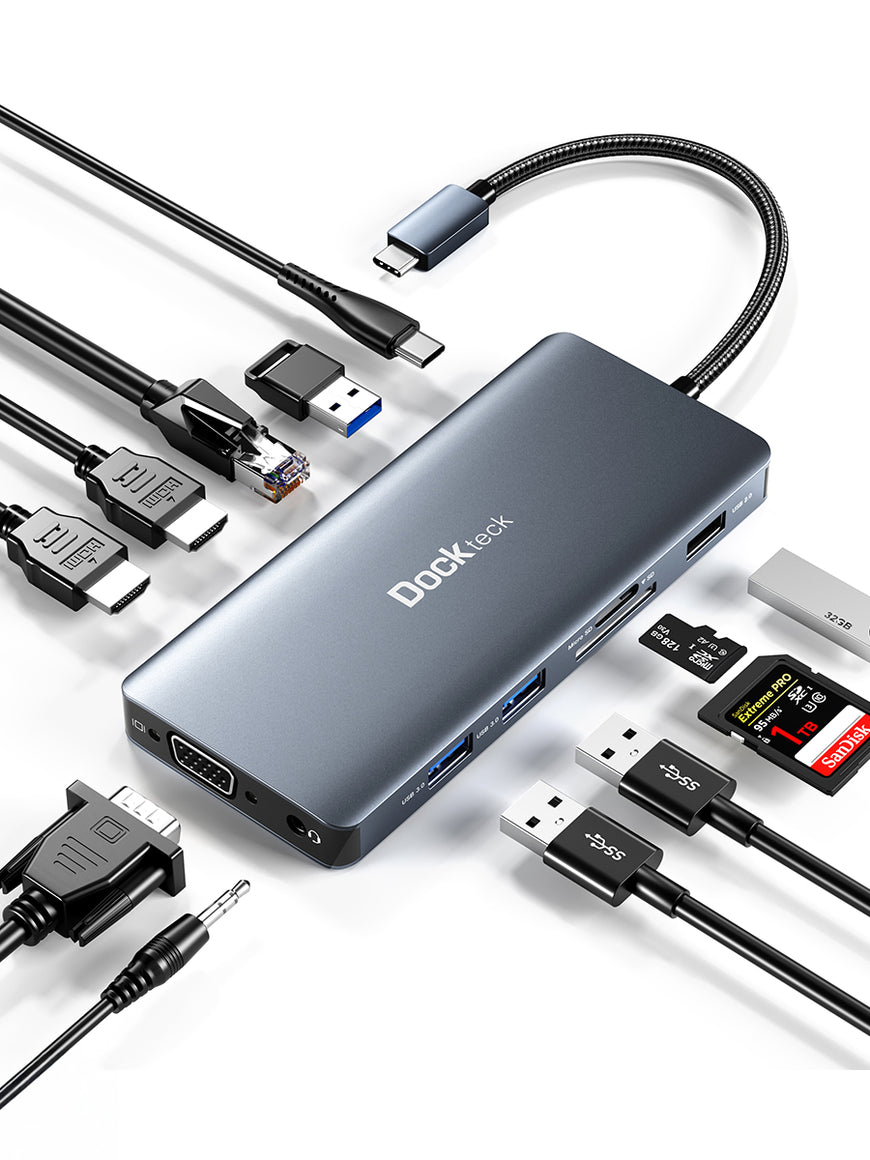
The Dockteck Type C HDMI VGA Adapter 4K@60Hz effectively solves this problem by integrating both HDMI and VGA output interfaces into a compact body.
- HDMI interface: supports resolutions up to 4K@60Hz
- VGA interface: supports resolutions up to 1920×1200@60Hz (1080P compatible)
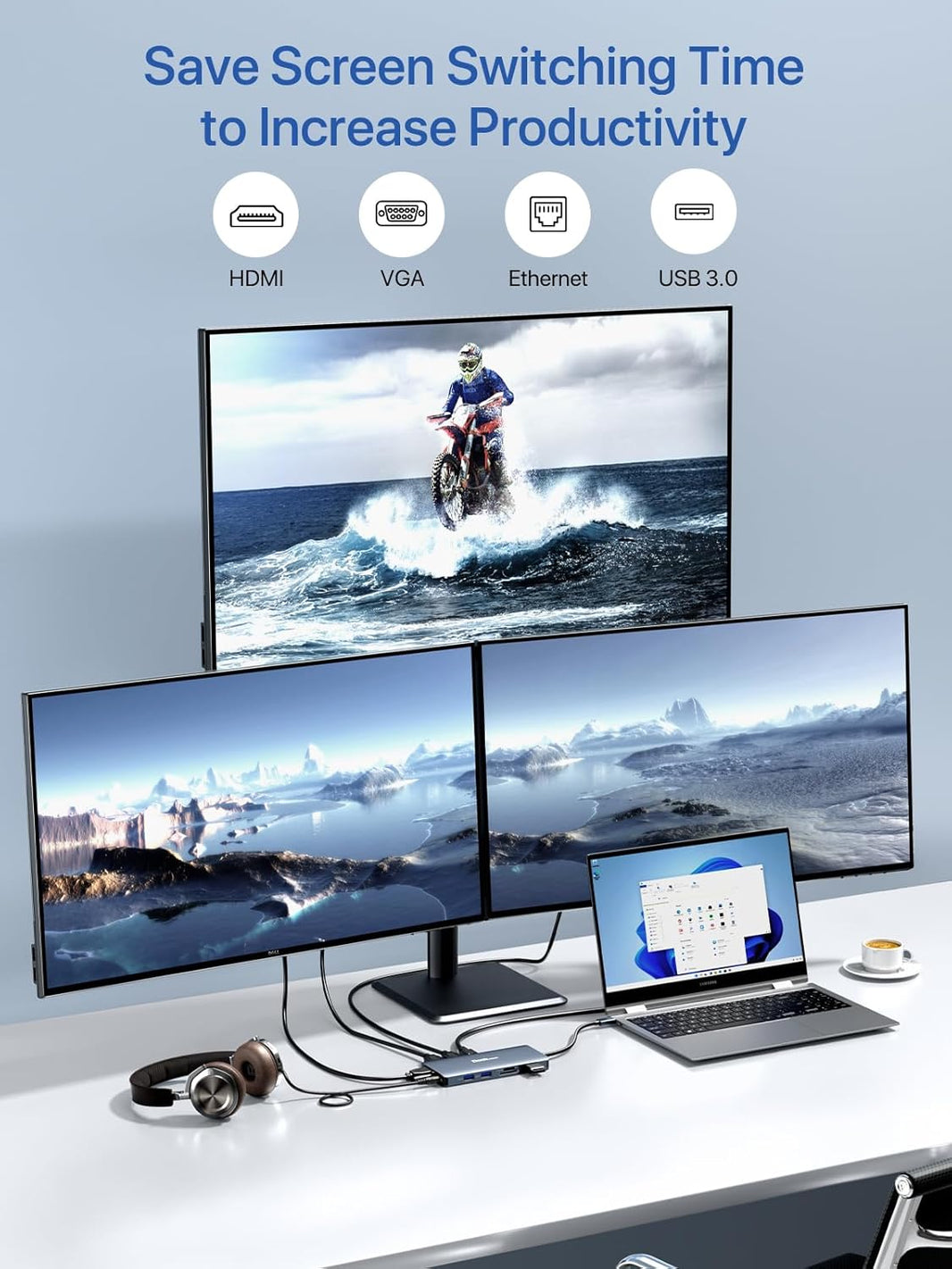
This adapter also supports simultaneous HDMI and VGA signal output, making it ideal for presentations, classroom teaching, home office work, and data analysis scenarios where the same content needs to be displayed on two screens.
Problem 3: You Need a Plug-and-Play Product
Another common pain point is the time-consuming process of installing drivers before each presentation.
The Dockteck Type C HDMI VGA Adapter 4K@60Hz is completely plug-and-play, requiring no additional software or drivers. Simply connect the adapter to a compatible USB-C or Thunderbolt device that supports DisplayPort Alt Mode, then connect it to a monitor, TV, or projector.
Its compact design also makes it ideal for professionals who frequently travel between the office, meeting rooms, or client visits.
For users searching for "USB-C to HDMI/VGA adapter," portability is often just as important as video quality.
Why It Works with Today's Devices
Modern devices, such as the new MacBook, iPad Pro, Dell XPS, Surface, Galaxy series, Huawei MateBook, Lenovo ThinkPad X1 Carbon, Pixelbook 2017/2018/2019, and many other USB-C computers, increasingly rely on external displays to enhance productivity. A reliable adapter should seamlessly support these everyday workflows without adding unnecessary complexity.
The Dockteck Type C HDMI VGA Adapter 4K@60Hz is designed to extend display content to monitors, TVs, and projectors. Whether you're giving a presentation, teaching online, viewing spreadsheets on a large screen, or watching 4K content at home, it lets you connect easily without carrying multiple adapters.
Conclusion
Searching for "why my USB-C to HDMI adapter isn't working" often leads users to mistakenly believe the adapter itself is faulty, but the real reason is often a compatibility issue or choosing the wrong adapter type. Confirming whether your device supports DisplayPort Alt Mode, clearly defining your display needs, and choosing an adapter that supports both HDMI and VGA can effectively avoid most connection problems.
For users looking for a reliable USB-C to HDMI/VGA adapter, the Dockteck Type C HDMI VGA Adapter 4K@60Hz combines 4K HDMI output, full HD VGA support, plug-and-play convenience, wide compatibility, and a compact, portable design, making it a practical companion for work, study, and boosting daily productivity.